
No shared source of truth
Membership, role structure, permissions, and recent changes are difficult to understand when they live across separate tools.
Staff management and community operations
StaffTilt brings team structure, recruiting, applicant communication, decisions, and operational history together—so the work does not disappear across disconnected tools and conversations.
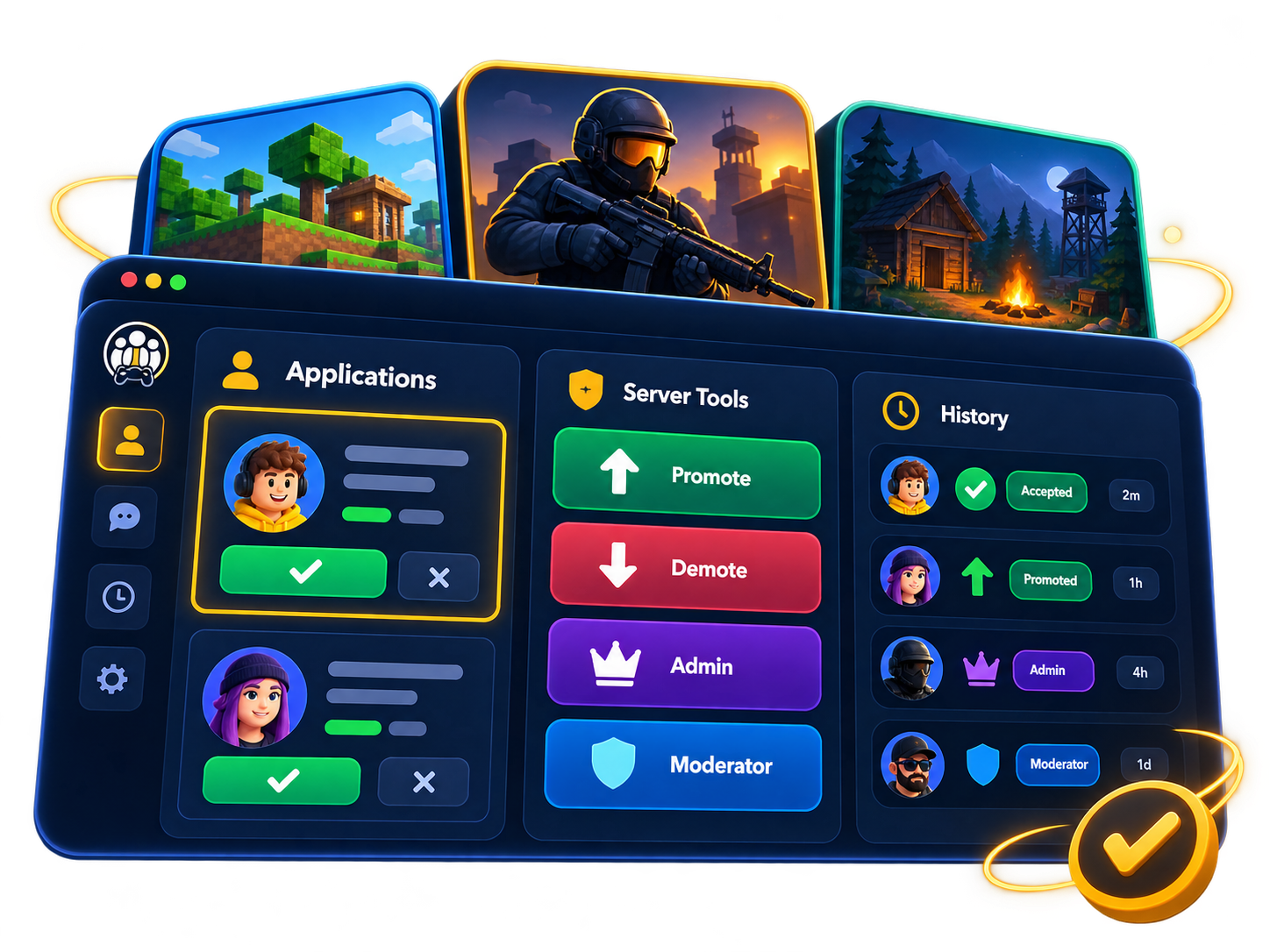
The operational problem
Recruiting may start in one place, decisions happen in another, and role changes live in someone’s memory. The result is lost context and unclear ownership.
Membership, role structure, permissions, and recent changes are difficult to understand when they live across separate tools.
Questions, answers, attachments, reviewer discussion, and applicant messages get separated from the decision they support.
Promotions, demotions, role updates, and application outcomes become dependent on manual notes and institutional memory.
The StaffTilt solution
StaffTilt gives community operators a structured place to manage people, access, recruiting, decisions, and the history behind them.
Maintain community member and staff directories with customizable roles and permissions.
Publish job posts, configure application questions, and receive complete submissions.
Keep applicant communication and private attachments attached to the application.
Accept or reject applicants, assign roles, and retain an operational record.
Core workflow
Each stage preserves the context the next stage needs, without turning community operations into a generic HR process.
Set up the community, directory, roles, and permissions.
Create an opening and the questions applicants should answer.
Receive applications and any requested private attachments.
Evaluate submissions and communicate with applicants.
Accept or reject, then assign the selected role when accepted.
What it does today
Focused tools for organizing the team and managing the full application lifecycle.
Who it is for
StaffTilt fits organizations where trusted staff and volunteers need clear responsibilities, repeatable recruiting, and accountable decisions.
Organize staff teams and recruit for defined community roles.
Keep member operations consistent as the community grows.
Clarify access, responsibilities, and applicant decisions.
Coordinate structured roles without adopting an enterprise HR suite.
System of record
StaffTilt records important community activity in an operational timeline, helping authorized team members understand what changed instead of reconstructing it from memory.
Role changes, application outcomes, recruiting updates, membership events, and community changes stay connected to the community where they happened.
Examples of recorded activity
Use Discord as an optional sign-in method if it suits your team. StaffTilt’s community, recruiting, review, and staff-management workflows stand on their own and do not depend on a Discord bot or guild role synchronization.
FAQ
StaffTilt is staff-management and community-operations software. It helps community teams organize members and roles, run recruiting, review applications, communicate with applicants, and retain operational history.
No. Discord is an optional authentication method. StaffTilt is designed for gaming communities, online communities, moderator teams, and other structured staff or volunteer organizations regardless of where day-to-day conversation happens.
The applicant can be added to the community and assigned the role connected to the opening, carrying the recruiting decision into the staff directory.
Access is limited to the applicant and authorized community reviewers. Private attachment delivery also requires an access-controlled, signed link.
No. The current product focuses on community structure, staff directories, recruiting, application review, role changes, notifications, and operational history.
Start with your community structure, then bring recruiting, decisions, and staff changes into one connected process.